


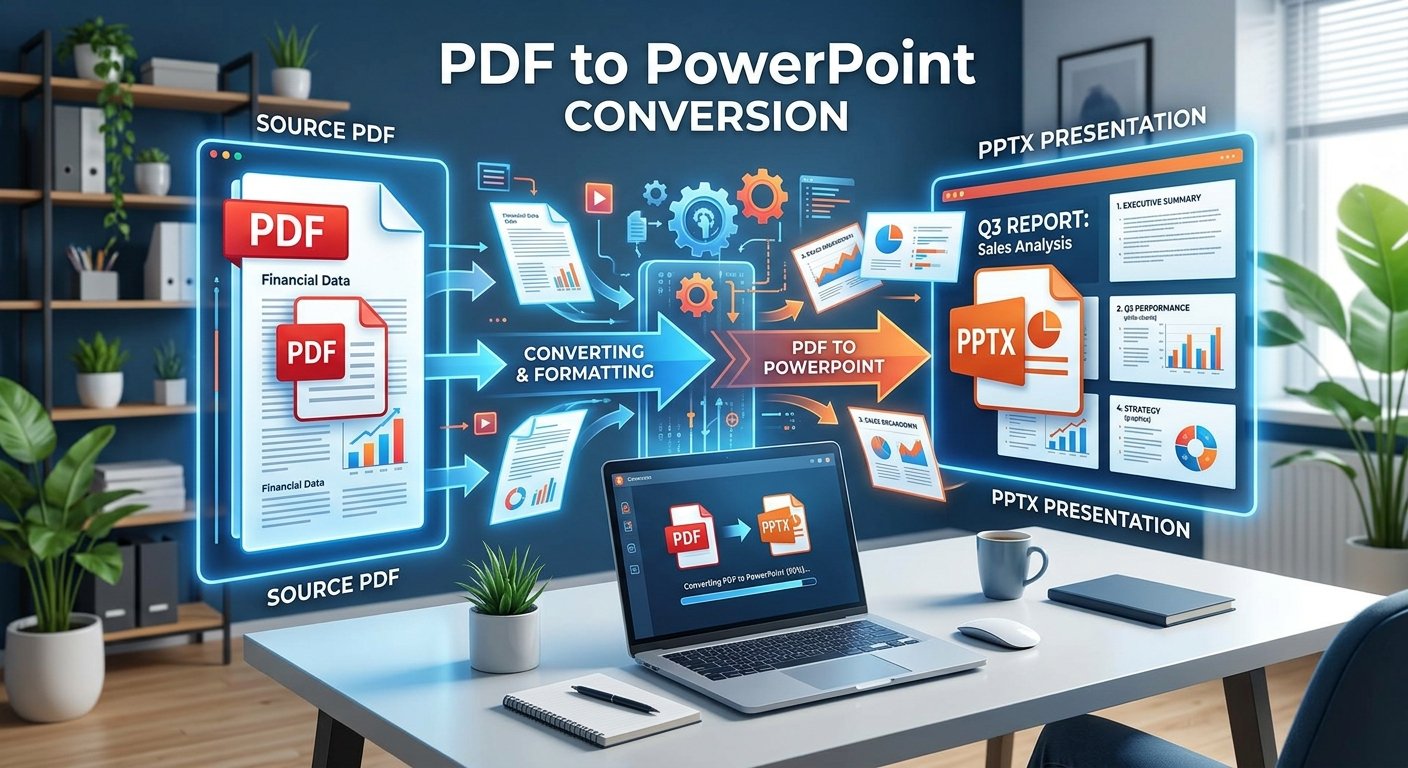
Turning a PDF into a working PowerPoint presentation is one of the most common headaches in any office, classroom, or sales team. A report lands in your inbox as a flat PDF, and suddenly you need it as slides for tomorrow's meeting with editable text, resizable charts, and a layout you can actually work with. Manually recreating a PDF slide by slide can eat up hours you don't have, especially when the document runs dozens of pages and every chart needs to be rebuilt from scratch. That's exactly the gap a dedicated PDF to PowerPoint converter is built to close, transforming locked PDF pages into fully editable .pptx slides in a matter of seconds, so teams can spend their time refining content instead of reconstructing it.
Why Convert a PDF to PowerPoint in the First Place
Plenty of people assume a PDF is a dead end once it's created, but that's rarely true in practice. Why would someone need a PDF as slides instead of just presenting the PDF directly? Presenting a raw PDF on a projector often looks flat and static, with no animations, no speaker notes, and no way to jump between sections smoothly the way a slide deck allows. What's the difference between reading from a PDF and presenting from PowerPoint? PowerPoint gives presenters transitions, embedded notes, and a familiar full-screen slideshow mode, while a PDF viewer is built for scrolling and reading, not performing in front of a room. Can a converted PDF still look professional as a presentation? Yes, provided the conversion tool preserves the original layout, fonts, and images, so the resulting deck looks like it was designed as slides from the start rather than stitched together after the fact.
What Happens Behind the Scenes During Conversion
Good conversion tools do more than take a screenshot of each page. What actually happens when a PDF page becomes a PowerPoint slide? The converter analyzes each page's layout, separates text blocks, images, and background elements, then rebuilds them as individual, movable objects inside a .pptx file rather than one flattened picture. Does the software try to recognize text or just copy the page as an image? Quality converters use text recognition to pull out actual editable text and fonts, instead of dumping a static image onto each slide, which is what separates a genuinely useful tool from a basic screenshot trick. Why do some converted decks come out looking messy or misaligned? Complex PDFs with overlapping graphics, unusual fonts, or multi-column layouts are harder to map cleanly onto slide placeholders, so results can vary depending on how the original document was designed.
Getting the Best Results From Your Converted Slides
A little bit of preparation goes a long way toward a clean-looking deck. Should you clean up the PDF before converting it? Removing unnecessary pages, headers, or watermarks beforehand keeps the converted presentation focused and avoids cluttering slides with content nobody needs. How can you make sure text stays editable after conversion? Choosing a converter that specifically extracts text rather than rasterizing it, and then opening the result in PowerPoint to check fonts and spacing, ensures you can actually rewrite bullet points instead of being stuck with an image of the page. What should you do with slides that don't convert cleanly? Reviewing each slide individually and manually adjusting text boxes, resizing images, or replacing awkward line breaks usually fixes the handful of pages that didn't map perfectly, which is far faster than rebuilding the whole deck from scratch.
Choosing the Right Tool for the Job
Not every converter online delivers the same quality, and the differences show up fast once you start editing. What should you look for in a reliable PDF to PowerPoint converter? A strong tool should preserve original formatting, keep text editable, support multi-page documents, and handle images and tables without distorting the layout. Is it safe to upload sensitive documents to an online converter? It's worth checking that the service processes files securely and doesn't retain copies of uploaded documents longer than necessary, especially for business reports or confidential material. Do free online converters work as well as paid desktop software? Many browser-based tools now match desktop applications for everyday conversions, handling standard reports, decks, and slideshows without requiring any installation or subscription at all.
Once your PDF has been reshaped into an editable slide deck, the real advantage becomes clear: you can rewrite, reorganize, and restyle content without starting from scratch, and reuse the same source material for multiple audiences without redoing the design work each time. Tools like the one available at multiconverters.net make this process quick and accessible, so whatever document lands in your inbox next, turning it into a polished presentation is only a few clicks away.

 English
 Arabic
 Spanish
 Portuguese
 Deutsch
 Turkish
 Dutch
Dutch
 Italiano
 Russian
 Romaian
 Portuguese (Brazil)
 Greek
Greek